Discord profile pictures
Make a cute square face icon for servers, group chats, roleplay communities, and gaming profiles.
Create a cute square face icon in your browser. Customize face parts, randomize styles, and download a free 256x256 PNG PFP for Discord, TikTok, X, and games.
Browse sample square face avatars made for profile pictures, gaming accounts, creator icons, and social media PFPs. Use them as inspiration before you randomize or customize your own icon.
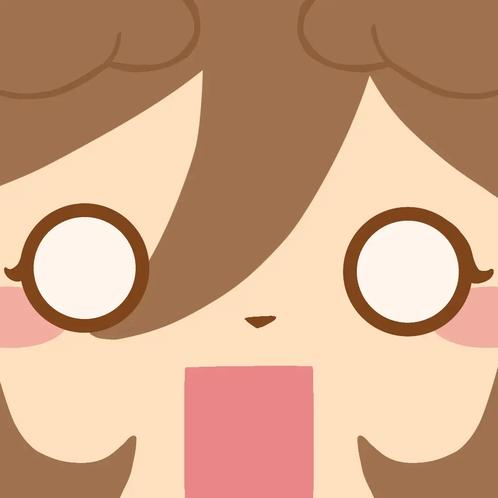
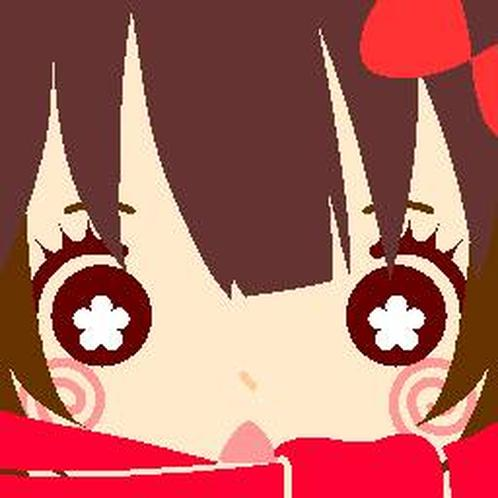
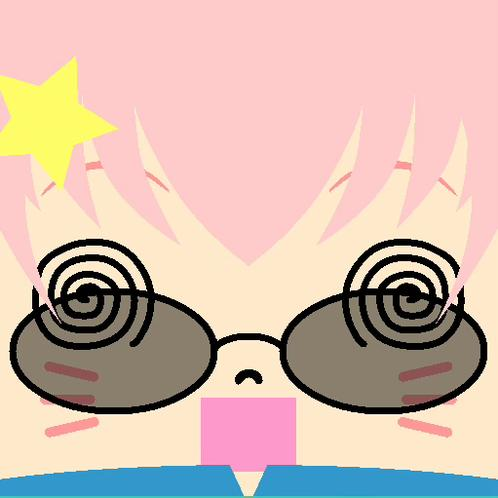
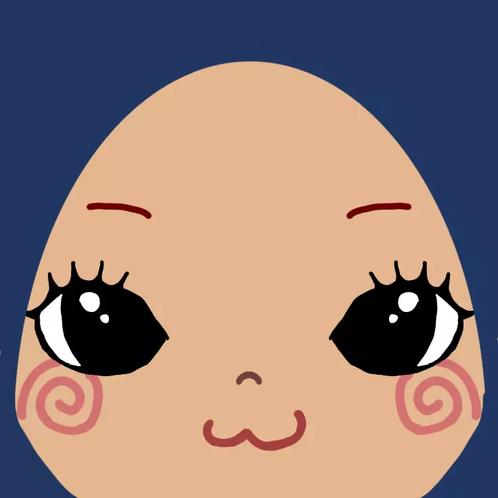
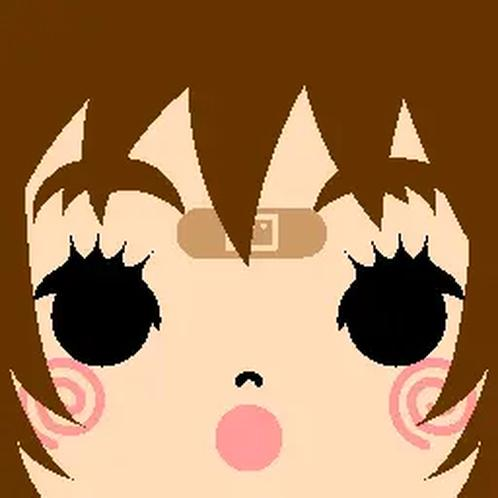
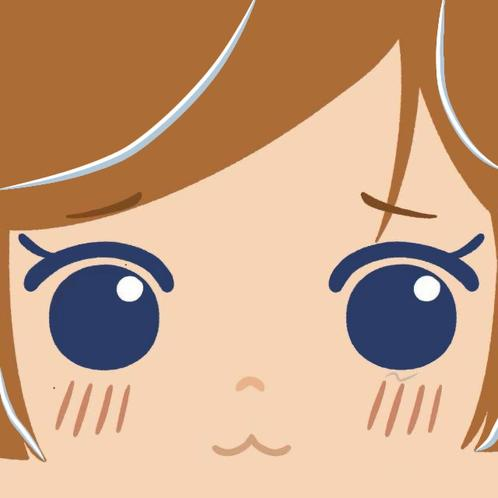
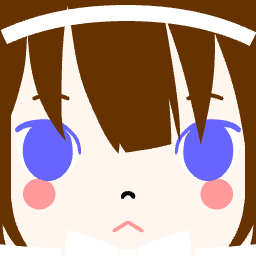
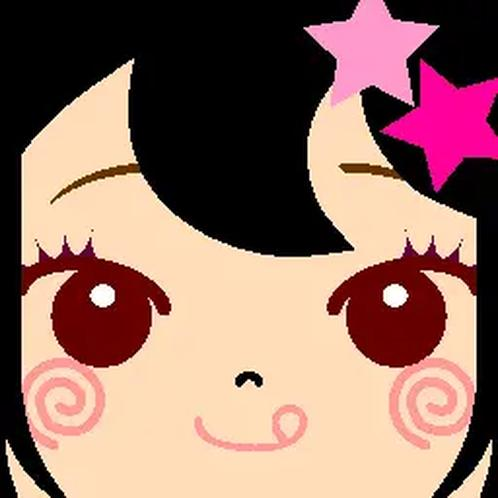
Square Face Generator is a free online PFP maker for creating cute square face avatars without drawing skills. Pick face parts, adjust colors, add accessories, or use the random button for instant ideas, then save a clean 256x256 PNG profile picture for social media, gaming communities, forums, and personal projects.
Most visitors want one thing: a cute profile icon that is quick to make, easy to personalize, and ready to download. EZPFP keeps that workflow simple while still giving you enough control to make the avatar feel like yours.
Mix skin, hair, eyes, mouth, accessories, and colors without learning design software.
Export your square face icon as a 256x256 PNG that works well as a profile picture.
Create a soft pixel-avatar look that stands out in small circular or square profile slots.
Design your avatar directly in the browser. No signup, no upload flow, and no app install.
Start with the main face parts such as skin, hair, eyes, nose, mouth, and expression.
Adjust the color palette, add glasses, hats, clothes, or other details to make the square face avatar match your style.
Save the finished square face PFP instantly and use it on Discord, TikTok, X, YouTube, games, or forums.
A square face avatar works best when it stays readable at small sizes. EZPFP focuses on clear shapes, simple expressions, and high-contrast details so your profile picture remains recognizable across different platforms.
Make a cute square face icon for servers, group chats, roleplay communities, and gaming profiles.
Create a memorable PFP that looks clean in feeds, replies, comments, and small profile bubbles.
Use a pixel-style square avatar for Steam, indie games, forum accounts, guild pages, and community boards.
Build a simple character icon for channels, thumbnails, comments, newsletters, and personal brand pages.
If you like Picrew-style avatar makers but want a faster square face icon generator, EZPFP gives you a direct browser-based workflow. Open the tool, randomize or customize the face, and download the result without creating an account. It is built for quick PFP creation rather than long setup screens.
Small profile pictures need clear eyes, mouth, and contrast. Avoid details that disappear when the icon shrinks.
Choose hair, background, and accessory colors that separate the face from the rest of the icon.
Use the random square face generator for inspiration, then adjust the parts you care about most.
Yes. EZPFP lets you create and download square face icons online for free.
Yes. The generator lets you save your square face avatar as a 256x256 PNG.
No. You can use the generator directly in your browser without creating an account.
It works in modern browsers. For detailed customization, desktop or tablet usually gives the most comfortable editing experience.
You can use it for profile pictures, social media avatars, gaming communities, forum accounts, creator branding, and personal projects.
It can be used as a simple Picrew-style alternative when you want a fast square face icon maker with instant download and no account setup.
Yes. Use the random option to generate quick avatar ideas, then customize the face parts, colors, and accessories.
The generator is designed for browser-based creation, so you can make a square face PFP without an upload workflow.
The 256x256 PNG export is a practical size for Discord, TikTok, X, forums, and many gaming profile systems.